
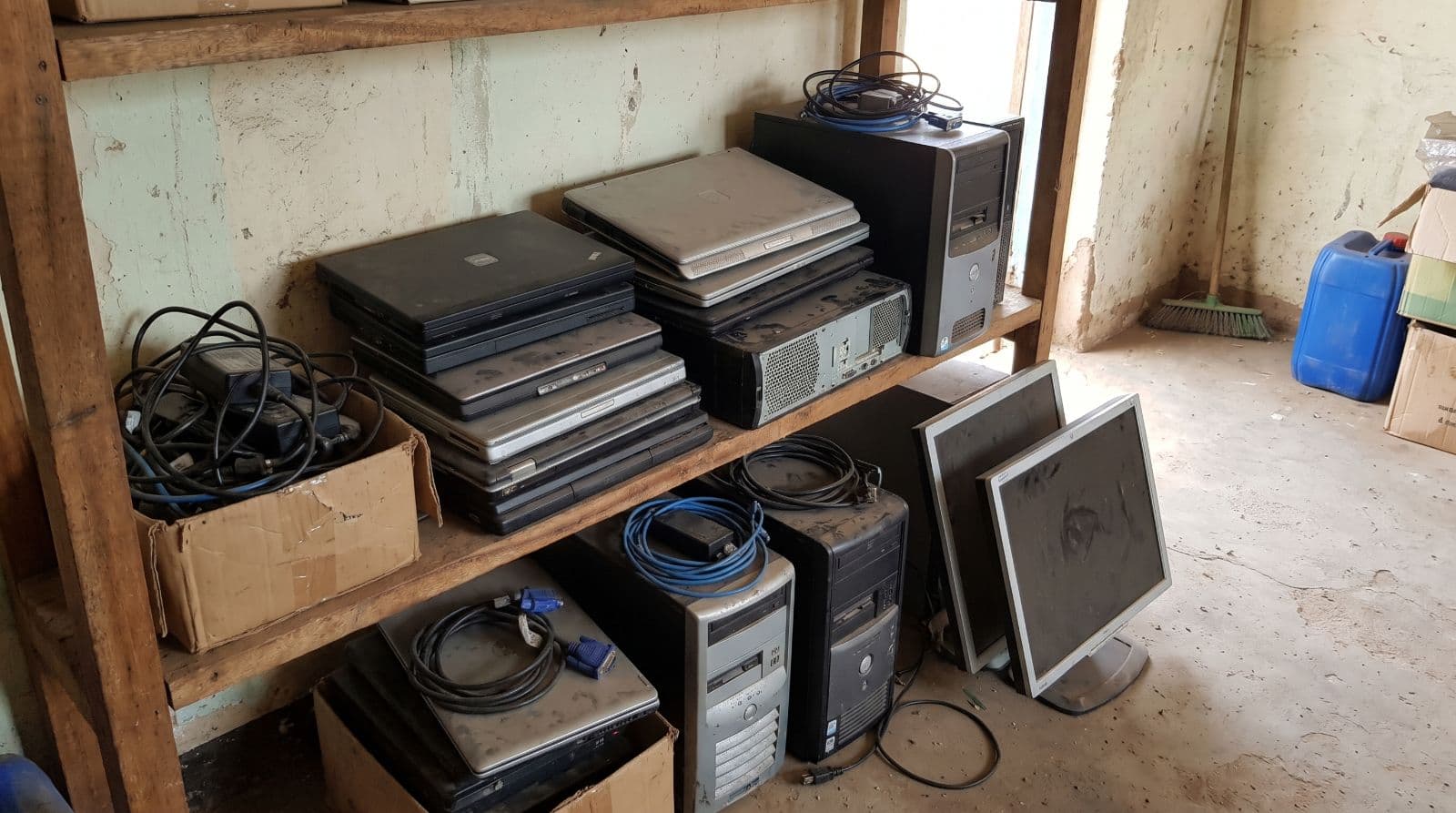
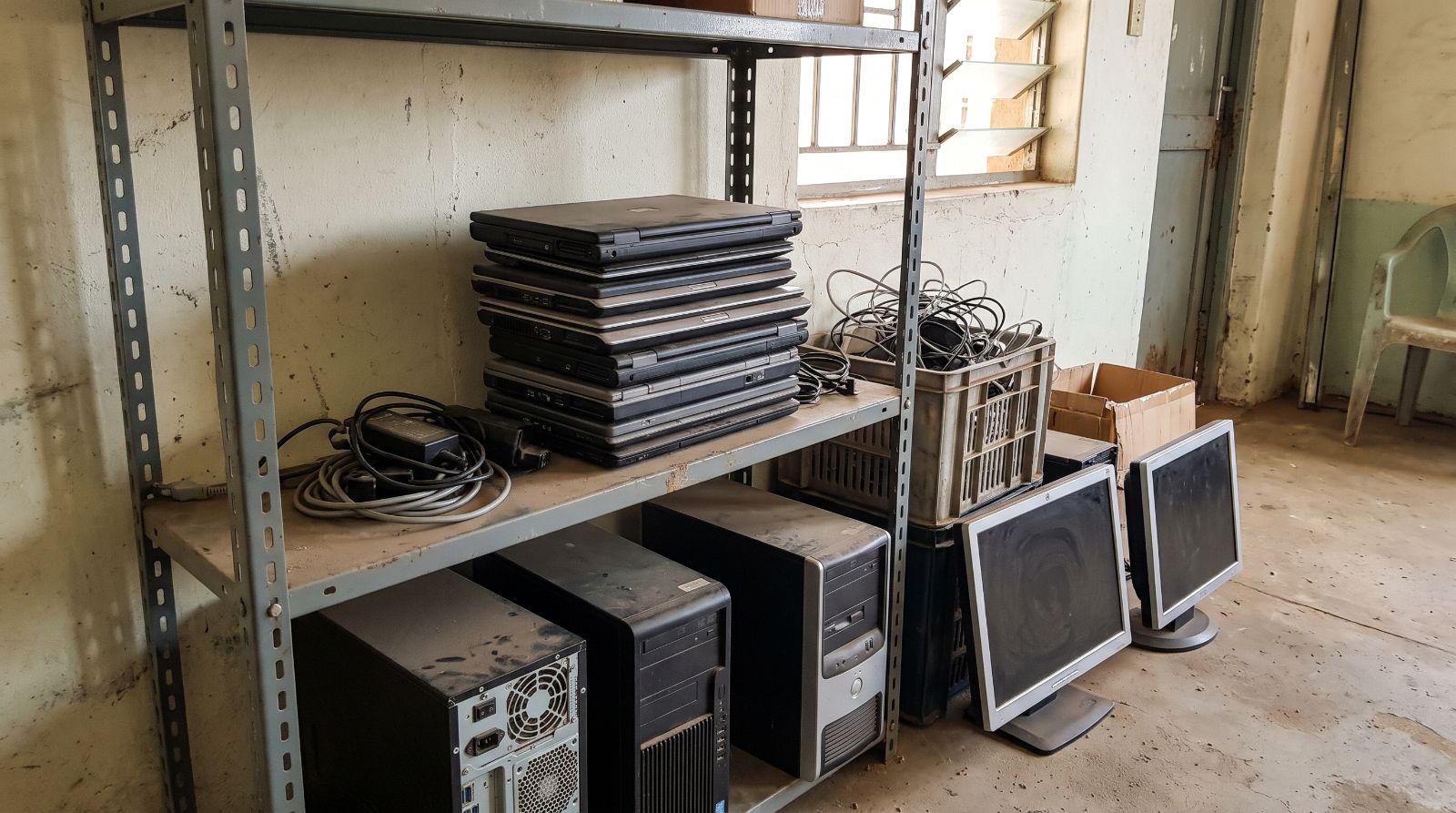
Clearing old office computers safely takes four things: an accurate count, a plan for the data on every drive, a verified operator to collect the devices, and a written record of what happened to each one. Most institutions get the first part right and skip the last three.
This guide walks through each step, so the storeroom gets cleared without leaving data or questions behind.
Why do old computers pile up in the first place?#
Offices replace laptops and desktops every few years. The new machines arrive on a deadline. The old ones go into a cupboard "for now", because nobody owns the decision about where they should go.
Over time that cupboard costs real money. It takes space, the devices lose resale value every month, and swollen laptop batteries become a safety risk.
The problem is not only local. The world generated about 62 million tonnes of e-waste in 2022, and documented recycling is growing far more slowly than e-waste itself, according to the UN Global E-waste Monitor 2024.
Step 1: Count and sort what you have#
Start with a simple list. For each type of device, note:
- the type (laptop, desktop, monitor, printer, server)
- the brand and model, where the label is readable
- how many you have
- the condition: working, faulty, or for parts
| Device | Quantity | Condition |
|---|---|---|
| Laptops | 24 | Mostly working |
| Desktop towers | 10 | Unknown |
| Monitors | 15 | Working |
A photo of the whole batch and a photo of a model label help operators make an accurate offer.
Step 2: How do you protect the data on old drives?#
Deleting files or formatting a drive does not erase the data. Anyone with free recovery software can bring much of it back.
Before handover:
- Back up anything you still need.
- Sign out of accounts and remove devices from management systems.
- Ask the operator how they wipe or destroy drives, and ask for it in writing.
A drive that leaves your building without a wiping plan is a data risk, whatever the condition of the device.
Step 3: Choose a verified operator#
Not every buyer of used computers handles them responsibly. Look for an operator that is a registered business, explains its data handling process, and tells you what will happen to devices it cannot reuse.
On ReLooma Africa, operators pass verification before they can make offers, and the institution chooses which offer to accept.
Step 4: Keep proof of what happened#
Auditors, boards and donors may ask where retired equipment went. A disposition certificate answers that question: it lists each device and its outcome, whether refurbished, resold, used for parts or recycled.
Keep the certificate with your asset register, and remove the devices from the register at the same time.
What should you do this week?#
Pick one storeroom, count what is in it, and photograph the batch. That alone turns a vague problem into a listing an operator can act on.